Welcome to your environment! You can order everything from your assortment with your personal budget here.

You can always return to the normal Coolblue website by clicking here.

Your outstanding budget (incl. VAT) is always visible here, so you know exactly how much you can spend.

Coolblue home

Die Website ist auf Englisch, möchtest du sie auf Deutsch ansehen?

Help with your product
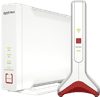
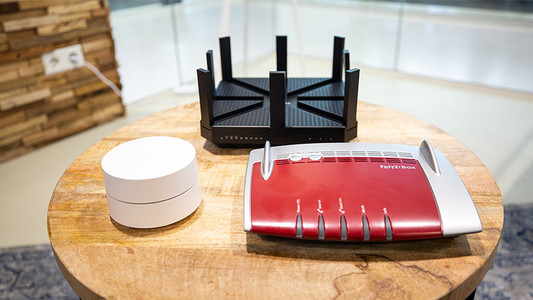
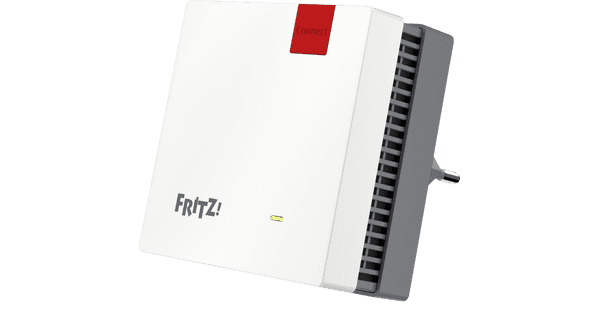
AVM FRITZ!Box 4060 + FRITZ!Repeater 6000
0 reviews

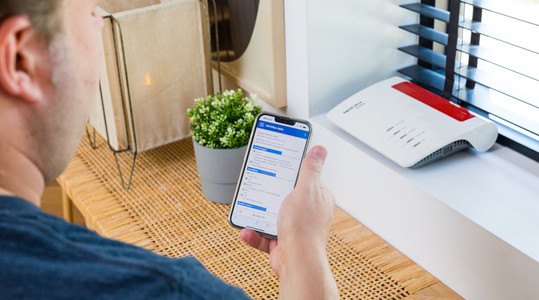
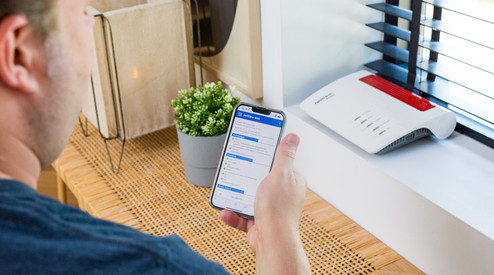
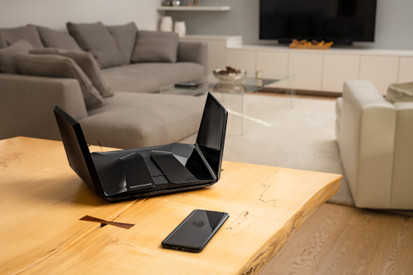
Use the FRITZ!Repeater 6000 to strengthen the signal of your AVM FRITZ!Box 4060, so you can comfortably surf the web in your large apartment or on 2 floors of your home. The FRITZ!Box is a WiFi 6 router without a modem. You can connect dozens of devices to the WLAN without the connection becoming unstable or slow. With the AVM repeater, you can expand internet signal with a maximum speed of 2400Mb/s, so you can stream within its range. If you're a mom, uncle, or grandmother, the parental controls can be useful. With this, you can block harmful websites. You can also use the router as a network storage device if you connect an external hard drive to it.

Read all tips here

Which product do you want to see articles about?

How do you set up a FRITZ!Box?

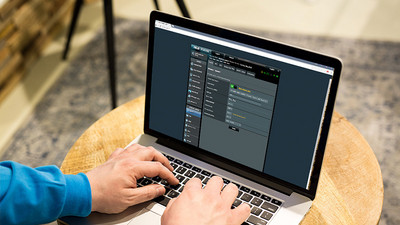
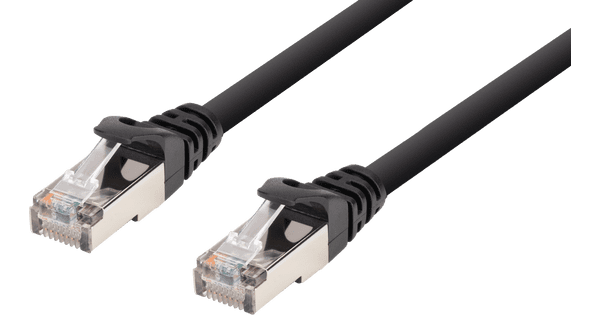
The FRITZ!Box is easy to set up, but we'll giv eyou some tips to help you easily replace your router. Connect the router to your internet connection and PC, for example. You can also go through the steps of the Wizard and configure FRITZ!Box. In this article, we'll explain how to set up your FRITZ!Box in 5 steps.
Tips to improve your WiFi range

Bad WiFi signal can totally ruin your night of Netflix fun. Want to expand the WiFi range in your house? Here, we'll give 4 tips for a better WiFi range.

What do you keep in mind when expanding your WiFi network?

Did you buy a set of powerline adapters, for example because you have no coverage in the attic? Or did you get a new access point to browse the internet in the garden with a better signal? I'm happy to give you these 3 tips for the best possible operation of your extra access point in your home network.

How do you set up a FRITZ!Box?

The FRITZ!Box is easy to set up, but we'll giv eyou some tips to help you easily replace your router. Connect the router to your internet connection and PC, for example. You can also go through the steps of the Wizard and configure FRITZ!Box. In this article, we'll explain how to set up your FRITZ!Box in 5 steps.
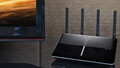
Tips to improve your WiFi range

Bad WiFi signal can totally ruin your night of Netflix fun. Want to expand the WiFi range in your house? Here, we'll give 4 tips for a better WiFi range.

What do you keep in mind when expanding your WiFi network?

Did you buy a set of powerline adapters, for example because you have no coverage in the attic? Or did you get a new access point to browse the internet in the garden with a better signal? I'm happy to give you these 3 tips for the best possible operation of your extra access point in your home network.

Subjects

Didn't find your answer?

Find an answer to your question quickly and easily via our customer service.

Coolblue specialist
Personal chat Digitalk.
You're now chatting with Coolblue customer service
This chat is closed
foo
Oeps File size is larger than 5MB. Upload a smaller file.