Welcome to your environment! You can order everything from your assortment with your personal budget here.

You can always return to the normal Coolblue website by clicking here.

Your outstanding budget (incl. VAT) is always visible here, so you know exactly how much you can spend.

Coolblue home

Die Website ist auf Englisch, möchtest du sie auf Deutsch ansehen?

Help with your product

Ubiquiti UniFi Dream Machine Pro + Seagate Skyhawk 6TB HDD

With this set of a Ubiquiti UniFi Dream Machine Pro router and Seagate Skyhawk 6TB hard drive, you provide a router with built-in network video recorder. You can pair Ubiquiti UniFi protect security devices with this Dream Machine Pro to record all the surveillance footage within your business. You can also pair the UDM Pro with other UniFi products, such as access points. Because the router has a built-in cloud controller, you can manage all your devices from one environment. Even when you're not on location. This router has 2 internet connectors. That means you can set up 2 independent internet connections to minimize the chances of downtime. In addition, you can connect 8 devices to the 1Gbps Ethernet connectors and the Dream Machine Pro also has 2 connectors for an SFP module of up to 10 Gbps. Thanks to its powerful processor, you can easily connect dozens of devices to the Dream Machine Pro.

Read all tips here

Which product do you want to see articles about?

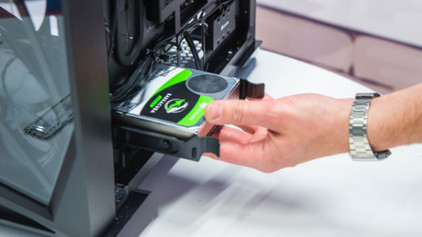
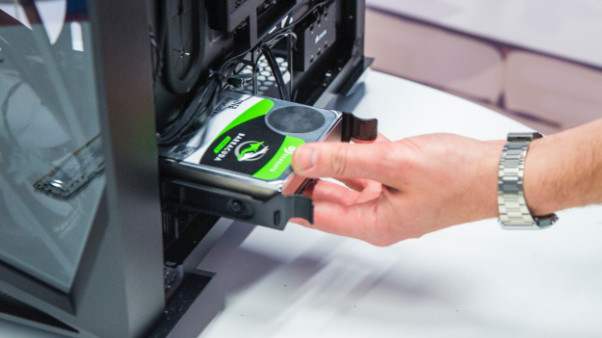
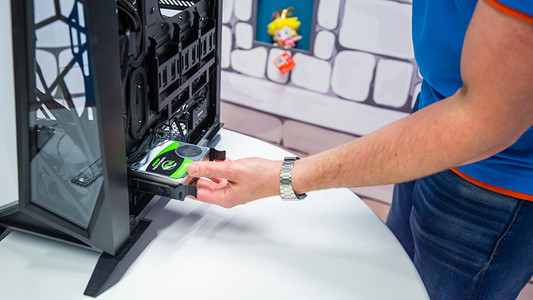
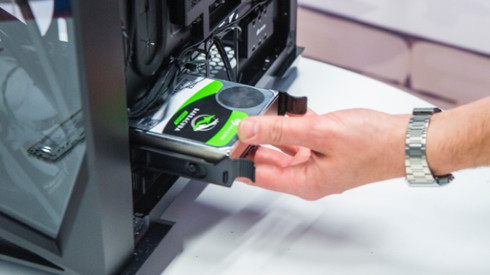
How do I build in an internal hard drive?

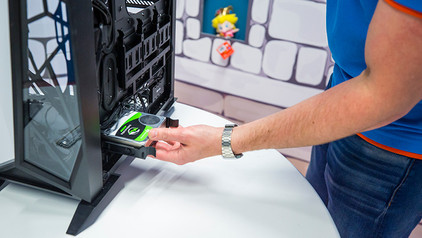
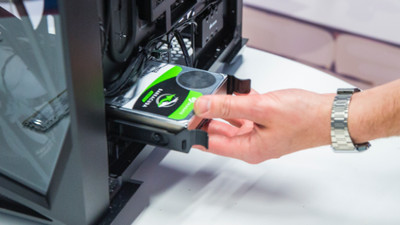
You have purchased a hard drive to replace your old drive or for more storage space in your computer. But how do you actually install such an internal HDD? In this article, I will explain that to you.

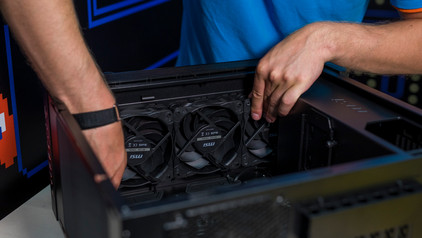
How do you prevent a static shock while building your PC?

When you're building your PC, static shocks could be dangerous for your computer parts. A small static shock is enough to destroy your parts. Luckily, there are things you can do to safely work in your PC. Wear a antistatic wrist strap and work on a solid surface, for example. In this article, we'll explain what you should and shouldn't do when building your PC.

How do you prevent a static shock while building your PC?

When you're building your PC, static shocks could be dangerous for your computer parts. A small static shock is enough to destroy your parts. Luckily, there are things you can do to safely work in your PC. Wear a antistatic wrist strap and work on a solid surface, for example. In this article, we'll explain what you should and shouldn't do when building your PC.

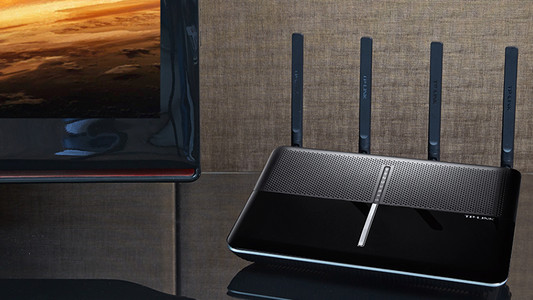
Tips to improve your WiFi range

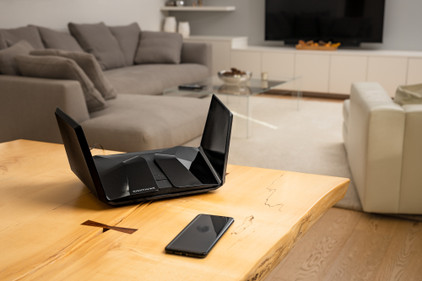
Bad WiFi signal can totally ruin your night of Netflix fun. Want to expand the WiFi range in your house? Here, we'll give 4 tips for a better WiFi range.

How do I build in an internal hard drive?

You have purchased a hard drive to replace your old drive or for more storage space in your computer. But how do you actually install such an internal HDD? In this article, I will explain that to you.

How do you prevent a static shock while building your PC?

When you're building your PC, static shocks could be dangerous for your computer parts. A small static shock is enough to destroy your parts. Luckily, there are things you can do to safely work in your PC. Wear a antistatic wrist strap and work on a solid surface, for example. In this article, we'll explain what you should and shouldn't do when building your PC.

How do you prevent a static shock while building your PC?

When you're building your PC, static shocks could be dangerous for your computer parts. A small static shock is enough to destroy your parts. Luckily, there are things you can do to safely work in your PC. Wear a antistatic wrist strap and work on a solid surface, for example. In this article, we'll explain what you should and shouldn't do when building your PC.

Tips to improve your WiFi range

Bad WiFi signal can totally ruin your night of Netflix fun. Want to expand the WiFi range in your house? Here, we'll give 4 tips for a better WiFi range.

Subjects

Didn't find your answer?

Find an answer to your question quickly and easily via our customer service.

Coolblue specialist
Personal chat Digitalk.
You're now chatting with Coolblue customer service
This chat is closed
foo
Oeps File size is larger than 5MB. Upload a smaller file.