Choose your printer:
No extra cartridges
This is the one
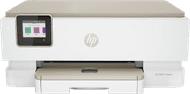
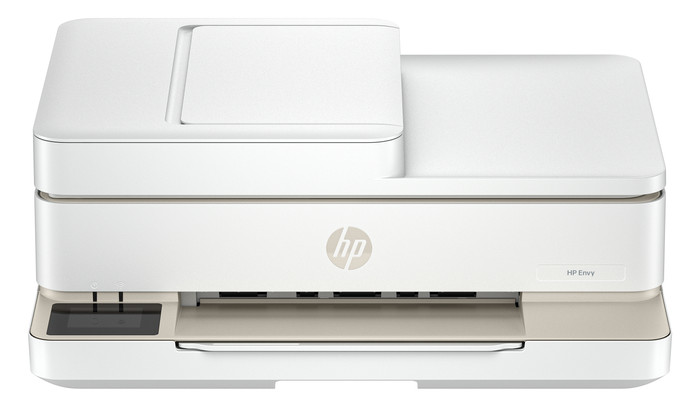
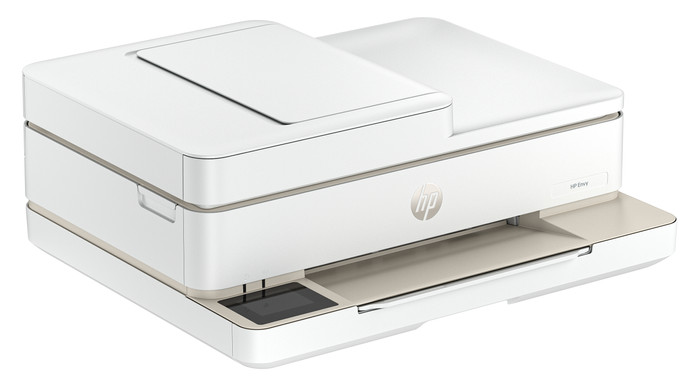
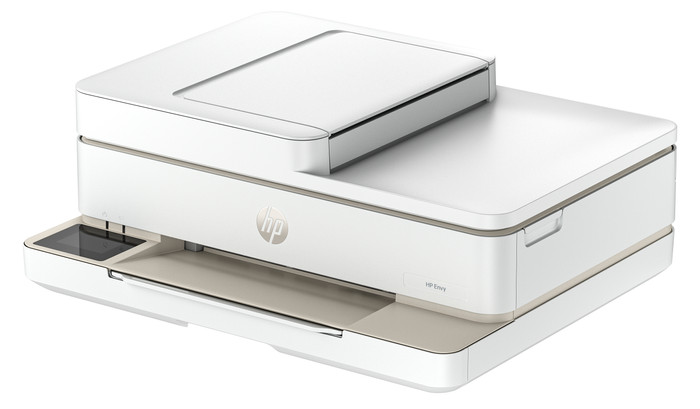
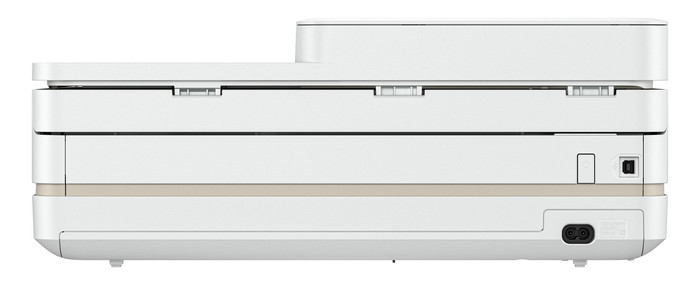
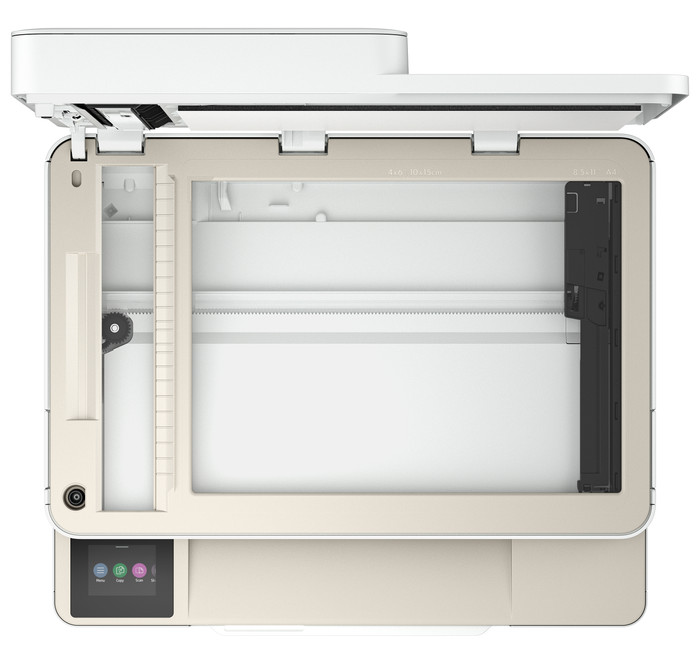
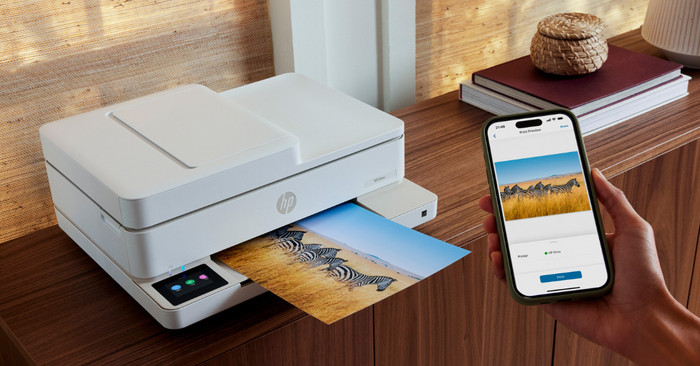
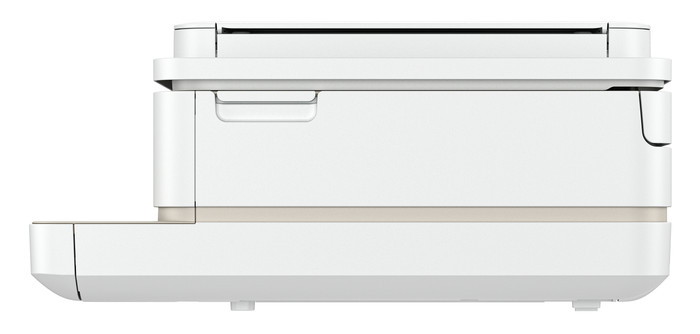
HP ENVY 6520e
Choose your printer:
No extra cartridges
According to our printer expert
Print technology | Inkjet | |
Printer type | All-in-one | |
Type of ink | Cartridges | |
Automatic duplex printing | ||
Automatic document feeder (ADF) | ||
Automatic duplex scanning | ||
Color printer | ||
Maximum print size | A4 |
5 stars
33
4 stars
16
3 stars
0
2 stars
0
1 star
0
Installation ease
Options
Print quality
With the HP ENVY 6520e, I have a 4-in-1 printer that scans, copies, and even faxes. I save paper by automatically printing on both sides of the paper and can copy a stack of paper in one go with the automatic document feeder. The print speed is slow, so I wait longer for larger documents.
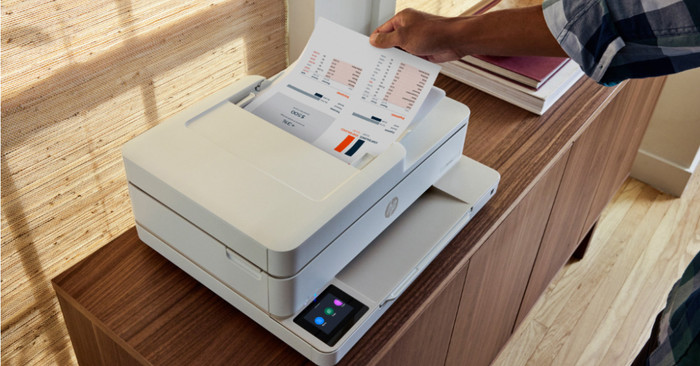
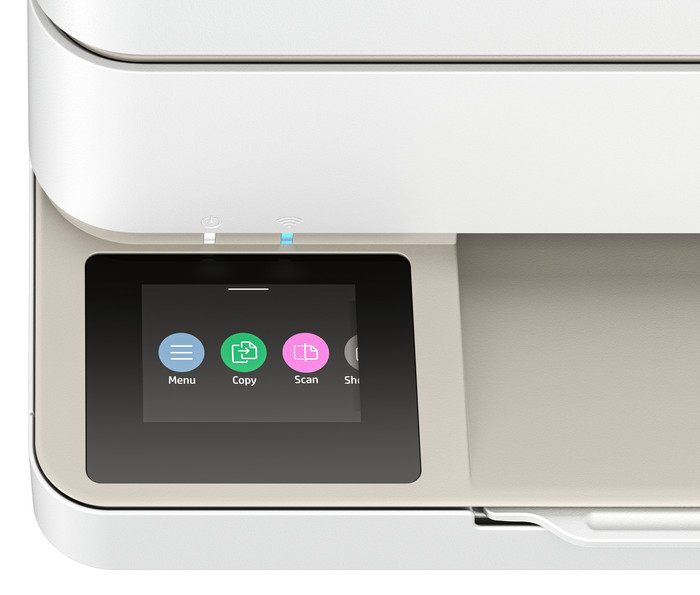
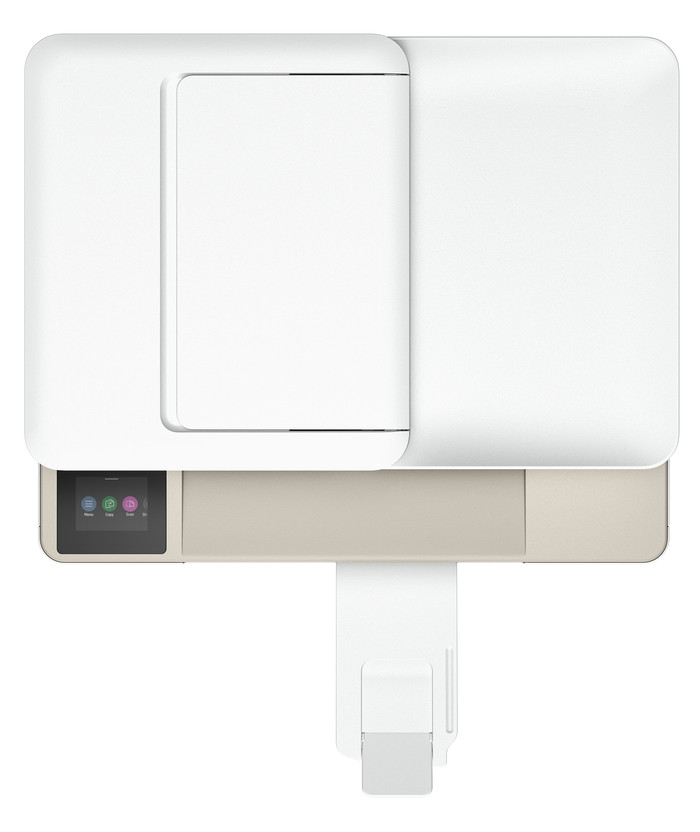
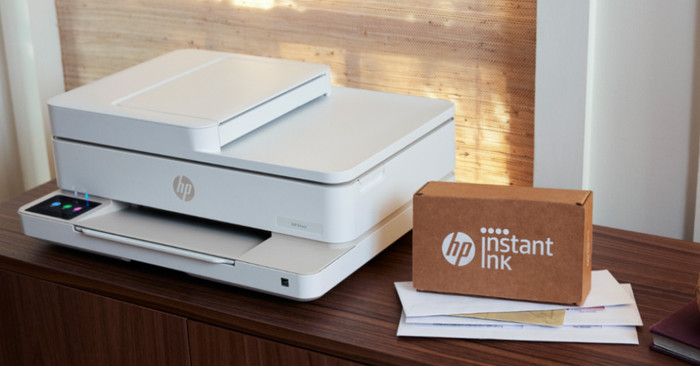
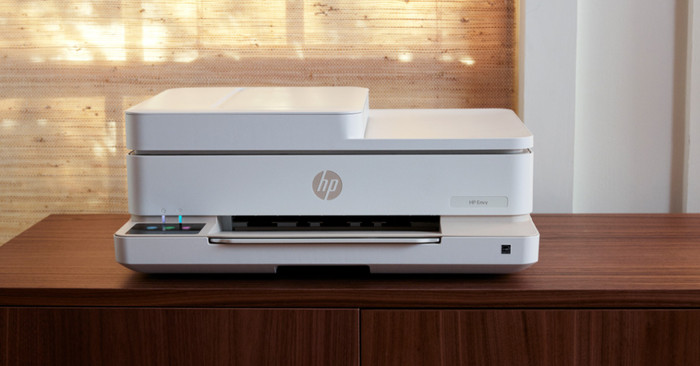
First Impression My first impression of the ENVY 6520 is that it's quite compact for a printer with an automatic document feeder. It easily fits on my 140-centimeter desk. I also really like the printer's colors. Compared to its predecessor, this ENVY has a touchscreen, which makes it easier to use. When setting up the printer, I don't have to print instructions; they're displayed directly on the screen.
Many Options The ENVY 6520e is a versatile printer. I can also use it to scan, copy, or even send a fax. I want to save paper, so I automatically print on both sides of the paper. The printer first prints on one side of the paper, then flips it over and prints on the other side. The printer also has an automatic document feeder. I place a document in this feeder and have it copied in one go. This saves me time and manual work. With a print speed of 7 color pages per minute, I wait a little longer for large color documents. Photos take even longer, up to about a minute per photo.
Printing photos and cards In the paper tray, I swap my regular paper for HP photo paper, which I use to print my photos. The photo quality is good enough for vacation photos for your scrapbook or on the refrigerator. I also download designs from HP Printables via the HP Smart app. This is an HP website with free, ready-made designs for coloring pages, crafts, calendars, and cards. I print fun cards on card stock and print coloring pages and day planners to hand out.
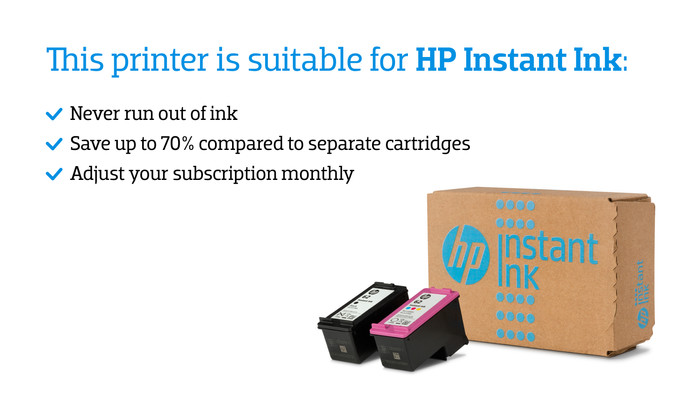
3 months of free ink With the HP ENVY 6520e, I get 3 months of free ink through HP Instant Ink. I sign up for this through the HP Smart app. This allows me to print for free for 3 months and receive new cartridges on time. This way, I don't have to worry about running out of ink while printing. Individual cartridges are expensive, so Instant Ink saves me a lot on my printing costs.
Sem. Printer specialist.
29 October 2025
Automatically translated from Dutch
I use this printer at home, privately. White fits well in my interior haha and it is compact (the eye wants something too ;)). So I also had to buy a new printer for work, and setting it up/connecting it to my phone and laptop was so difficult compared to this HP Envy printer. So this printer is really easy to use! I am very happy with it. It starts up quickly and printing is also fast. So if you are looking for a printer that is especially easy to connect to your network, but also to your phone and other devices, then this HP Envy is definitely recommended
Esther
17 March 2025
Automatically translated from Dutch
The HP Envy 6520e is a printer that you should definitely have at home if you print sporadically. The print quality is fine and you can easily operate your printer via the additional HP app. For example, make scans and have the scans immediately available on your smartphone. The printer has the option to scan in the traditional way, but also allows you to automatically scan a bundle of papers in one go. The only downside we experienced here was that the scan was one-sided. If you find that important and need a lot, you should look for a more advanced HP printer. But otherwise a great printer, easy to use and a must for most households! We received this printer for free and it now replaces our previous printer at home.
Paula
14 March 2025
Automatically translated from Dutch
With Coolblue Extended Warranty, you are protected against costs due to quality defects of your printer for the next 4 years. During the entire term, we will reimburse up to the original purchase price. You can easily add the Extended Warranty in your shopping cart.
€ 19,99
one-timeAdd your printer to your shopping cart. In the next step, you can add the Extended Warranty. You can exchange or return your purchase for free within 30 days.
Receive 6 months of HP Instant Ink for free when you purchase a participating product until 31 January 2026. Activate HP+ during the installation of the printer and register for HP Instant Ink within 7 days after installation. The HP Instant Ink registration has to be done before 4 February 2026. You can read how to do this exactly in the promotional Terms and Conditions.

Current product
Retail price
€ 109,90€ 84,90
€ 142,90
Retail price
€ 159,90€ 114,90
Retail price
€ 149,90€ 112,99
Retail price
€ 149,90€ 142,90
Yes
No
Yes
Yes
Yes
Yes
Yes
Yes
Yes
Yes
22 eurocents
10 eurocent
10 eurocent
6 eurocent
6 eurocent
Standard
Good
Good
Good
Good
Product number | 955221 |
Manufacturer code | 714N9B |
Brand | HP |
Warranty | 2 years |
Processing of your defect | Via Coolblue |
Printer size | Medium | |
Width | 43,3 cm | |
Depth | 36,1 cm | |
Height | 17,1 cm | |
Color | Beige | |
Weight | 6,14 kg |
Printer type | All-in-one | |
Photo printer | ||
Print quality photos | Stand | |
Portable (mobile use) | ||
Usage location | Home |
Cartridge line | HP 308 | |
Print technology | Inkjet | |
Type of ink | Cartridges | |
Number of cartridges/toner cartridges | 2 | |
Color printer | ||
Print speed black (ISO) | 10 ppm | |
Print speed color (ISO) | 7 ppm | |
First black page ready after | 19 seconds | |
Speed class | Standard | |
Usage costs per page | 22 eurocents | |
Maximum print resolution height | 1200 dpi | |
Maximum print resolution width | 4800 dpi | |
Maximum print size | A4 | |
Automatic duplex printing | ||
Borderless printing | ||
Maximum print size duplex printing | A4 |
Scan functionality | ||
Automatic duplex scanning | ||
Maximum optical scan resolution width | 1200 dpi | |
Maximum optical scan resolution height | 1200 dpi | |
Scanner type | Flatbed scanner | |
Maximum scan size | A4 (21x29.7cm) | |
Automatic document feeder (ADF) | ||
Maximum paper size ADF | A4 | |
Scan sizes | A4, A5, A6, A7 | |
Scan speed (PPM) | 8 ppm | |
Color depth output | 1200 bpp | |
Scan to | Cloud, Email, Email address, Image, PC (local), PC (network), PDF | |
ADF capacity | 35 | |
OCR |
Copying functionality | ||
Copy speed black (ISO) | 8 ppm | |
Copy speed color (ISO) | 3,5 ppm | |
Maximum copy resolution height | 300 dpi | |
Maximum copy resolution width | 300 dpi |
Fax functionality | ||
Color fax |
Built-in screen | ||
Color screen | ||
Touchscreen |
Suitable for HP+ | ||
Suitable for HP Instant Ink | ||
HP Instant Ink included for a few months. | 3 | |
Suitable for Epson ReadyPrint |
Compatible with operating system | Android, ChromeOS, Linux, Windows, Windows Phone, iOS, macOS | |
Connection type | Wired, Wireless | |
Apple AirPrint | ||
Email print | ||
WPS (Wireless Protected Setup) | ||
Female standard USB-A port version | 2.0 | |
Ethernet port | ||
NFC | ||
Built-in WiFi | ||
Bluetooth | ||
WiFi direct | ||
USB port |
Manual input tray | ||
Photo paper drawer | ||
Output capacity output drawer | 25 | |
Maximum print size standard paper tray | A4 | |
Input capacity standard paper tray | 100 | |
Number of standard paper trays | 1 |
Memory card reader |