


Samsung internal SSDs
Store your favorite games and boot your PC quickly with an internal SSD from Samsung. Thanks to the high read and write speed, you can open your files in seconds. If you work in Office documents that you often open, choose a 2.5-inch SATA SSD. For demanding tasks like gaming or video editing, choose an M.2 NVMe SSD. Make sure to check which internal SSD fits in your product in advance.
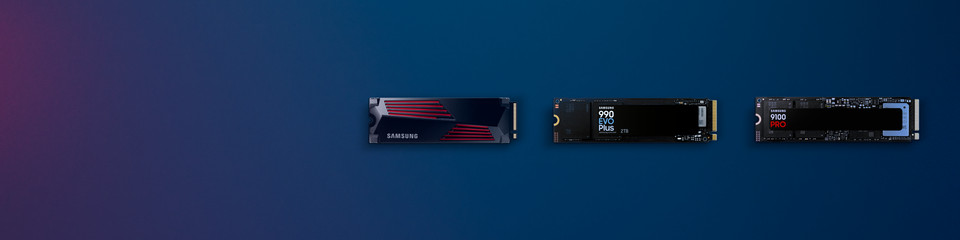
Samsung internal SSDs
A real cache.
Store your favorite games and boot your PC quickly with an internal SSD from Samsung. Thanks to the high read and write speed, you can open your files in seconds. If you work in Office documents that you often open, choose a 2.5-inch SATA SSD. For demanding tasks like gaming or video editing, choose an M.2 NVMe SSD. Make sure to check which internal SSD fits in your product in advance.
Compare Samsung internal SSDs
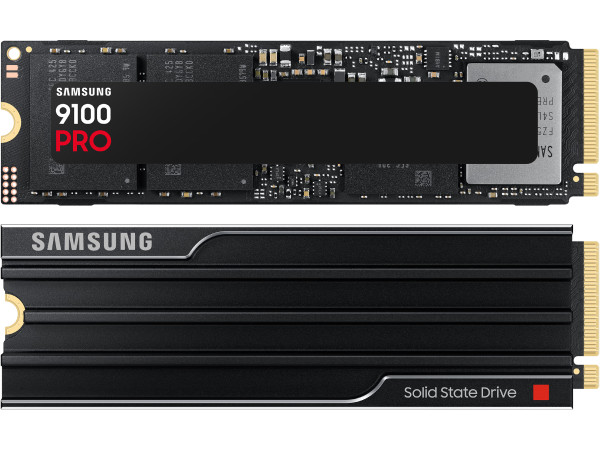
PCIe 5.0 support
The Samsung 9100 Pro is the fastest Samsung internal SSD thanks to the PCIe 5.0 version.
Large video files and games load quickly, thanks to the PCIe 5.0 support and maximum read speed of 14,700MB/s.
Store 4K or 8K image materials thanks to the 4TB maximum storage space.
Choose a 9100 PRO with heatsink, so the SSD doesn't overheat and lasts longer.
You can quickly work with AI apps thanks to the 2600K IOPS.
From € 181,90
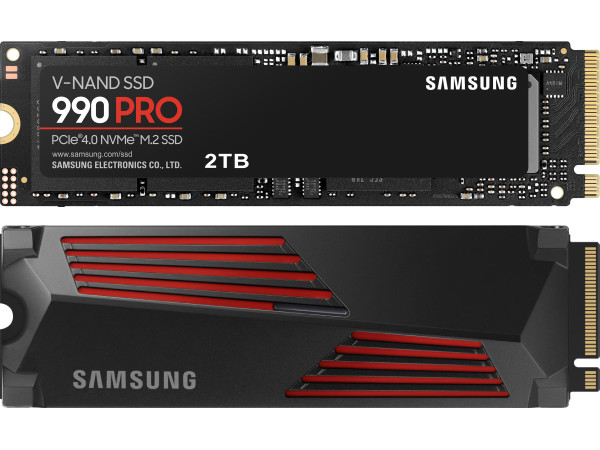
Short loading times
You can enjoy smooth gameplay and shorter loading times.
You're not bothered by long loading times in your games thanks to PCIe 4.0 support.
You can boot large games such as Cyberpunk 2077 or Elden Ring superfast thanks to the 7450 MB/s maximum read speed.
This internal SSD is suitable for a PlayStation 5 and leads away warm air with the heatsink.
From € 130,90
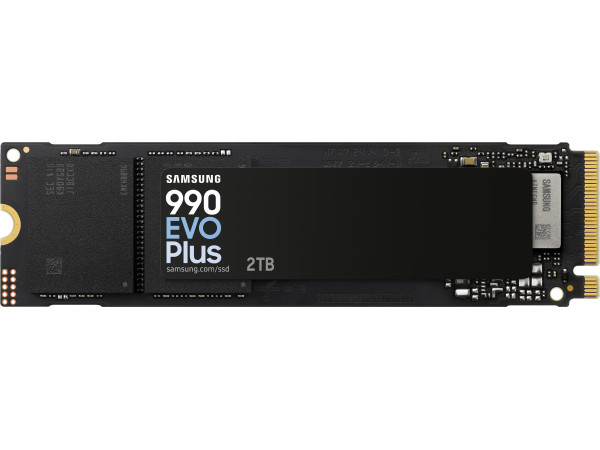
PCIe 4.0 support
You can open large files and games faster thanks to the PCLe 4.0 support.
This internal SSD has PCIe 4.0, which lets you open large files faster.
Your PC boots quickly thanks to the high maximum read speed of 7250 MB/s.
From € 115,90
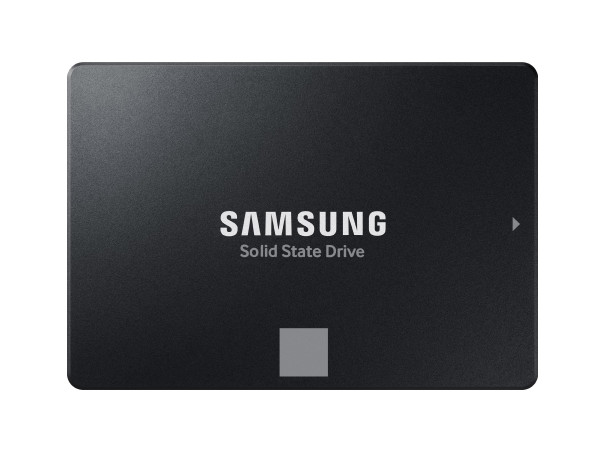
Wide Compatibility
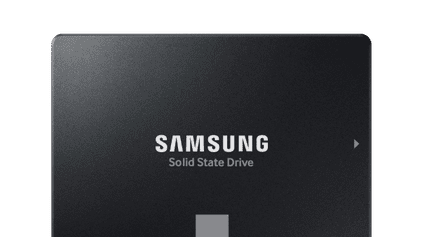
The Samsung 870 EVO SSDs fit in almost any PC or laptop without an M.2 slot.
You can expand the storage of laptops or desktops without an M.2 slot.
From € 62,90
Samsung internal SSDs
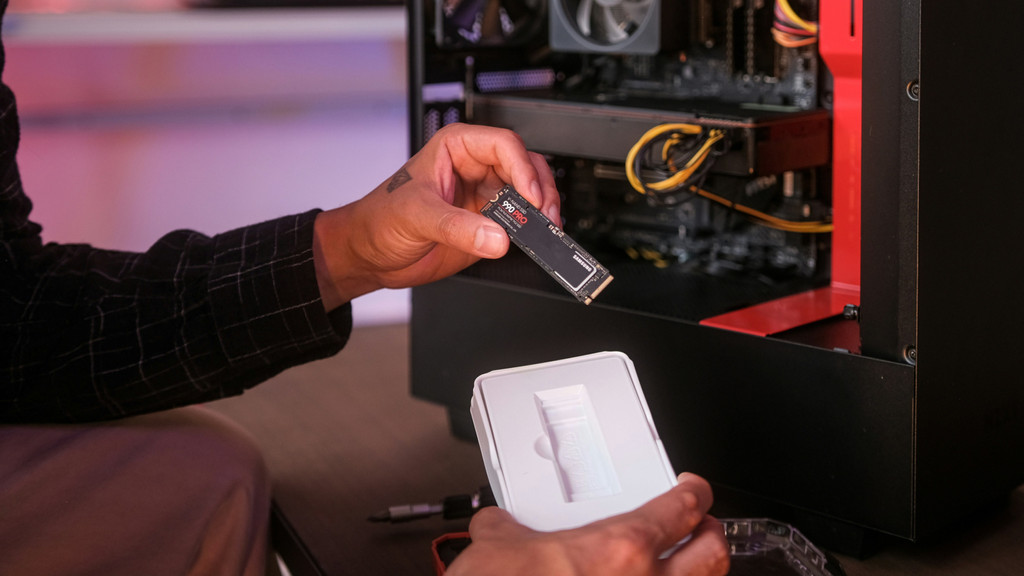
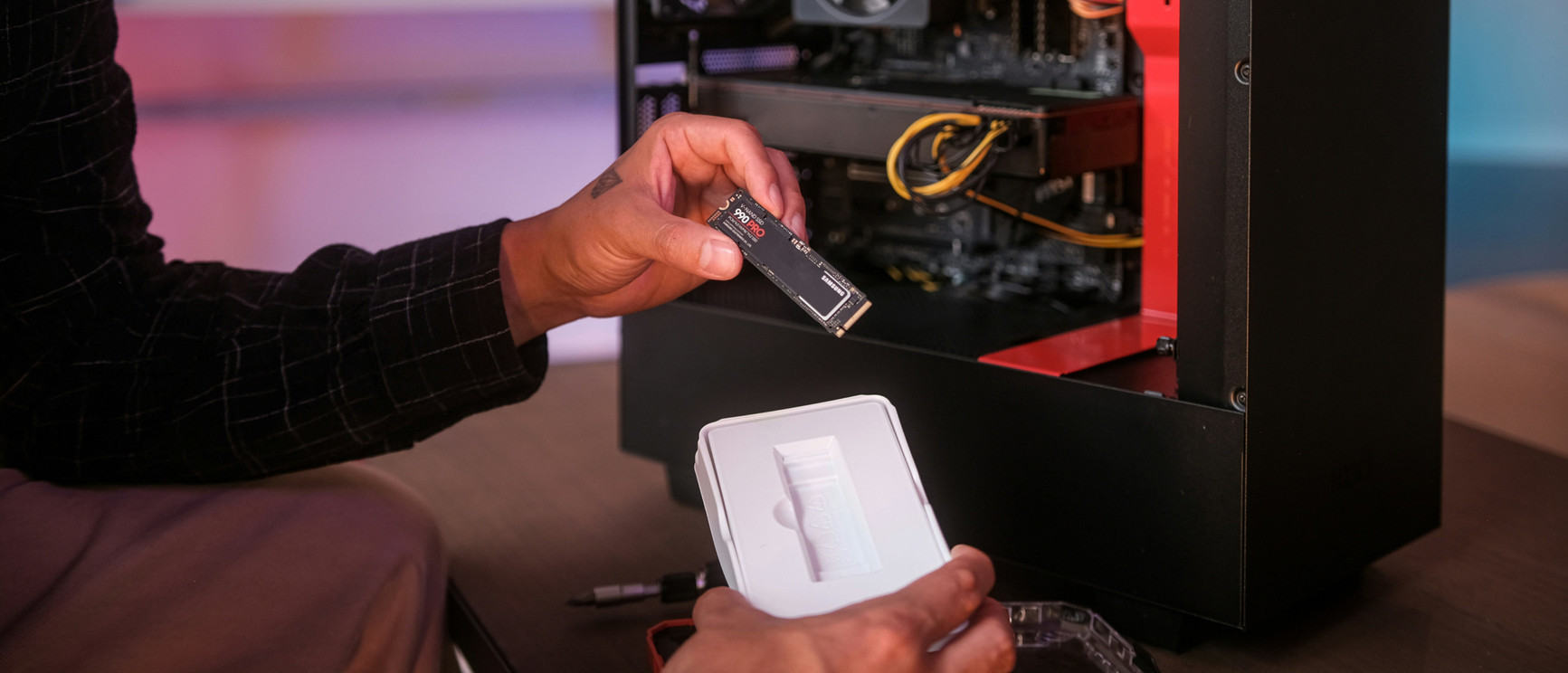
Compare the 990 EVO Plus with the 990 Pro and 9100 Pro
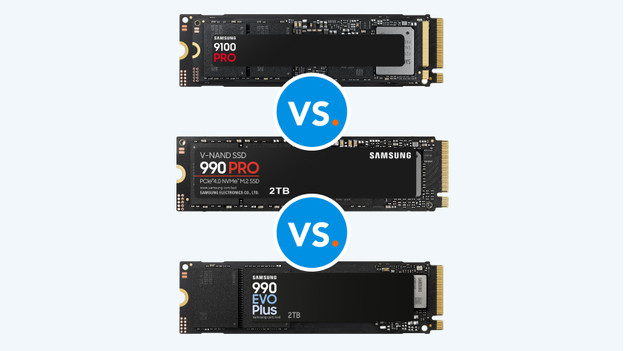
Boot your PC superfast with a Samsung internal SSD. The 990 EVO Plus, 990 PRO, and 9100 PRO are M.2 NVMe PCle SSDs. These SSDs have a read speed that's 10 times higher than that of SATA SSDs. That way, you're not bothered by long loading times. You can also place these SSDs in your motherboard without power cords. We'll explain what the differences between the 3 types of M.2 NVMe SSDs are.
