
Written by Uhro
Edited on
14 December 2022
·
08:48
Which WiFi solution do you need to work from home?
You need good WiFi at your home office. After all, nothing is more annoying than WiFI problems. In this article, we'll explain which WiFi solution you need when working from home. We'll do that by looking at which location you're working from. This way, you no longer have to move because of a bad connection during video meetings.

Mesh WiFi
Want good WiFi in your home office as well as in the rest of your home? With a mesh WiFi system, you're ensured good WiFi at home. These systems include 3 or more stations that are constantly connected, so you can go online on the same WiFi network throughout your house. Your phone or laptop automatically switches to the strongest station. That means it doesn't matter if you're working in your home office or at the kitchen table.
Powerline adapter with WiFi
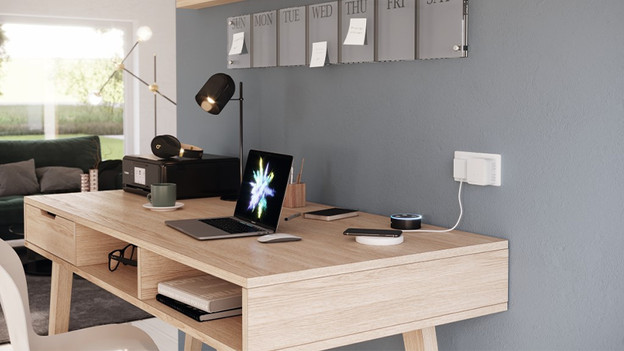
Don't have good WiFi at your home office? Or is the WiFi reception too poor for video conferencing? Choose a powerline adapter to improve your WiFi. This WiFi extender allows you to create 1 extra WiFi point in your office. Because the internet signal is transferred via AC power, you can even set this up in the attic. You don't need to pull any cables. Want an extra WiFi point in several places? Choose a set with 3 or 4 stations. You can also easily expand the set later.

WiFi 6 router
Are several people working in your house at the same time? You need a router with a high capacity. A WiFi 6 router takes care of that. This new WiFi standard ensures you'll have less problems with slow connections, even if 2 or more people in your house are having video calls. You do need new equipment that can handle WiFi 6. Want WiFi 6 in your entire house? Choose a WiFi 6 multi-room system.
