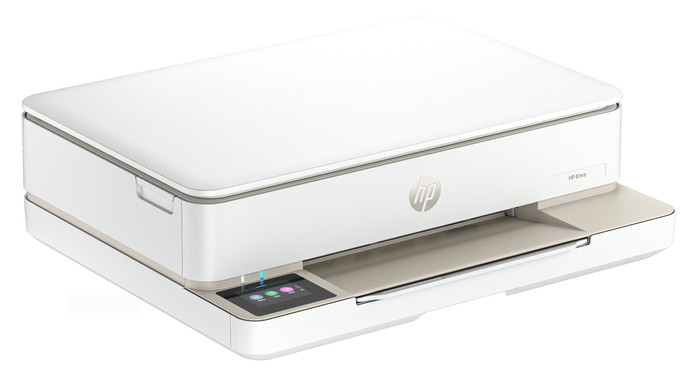
With the HP ENVY 6120e, I have a 4-in-1 printer that scans, copies, and even faxes. I save paper by automatically printing on both sides of the paper. The print speed is slow, so I wait longer for larger documents.
First Impression
What immediately strikes me about the HP ENVY 6120e is its size. It easily fits on my 140-centimeter-wide desk. The printer has a sleek design and attractive colors. I quickly set up the printer using my phone and the HP Smart app. Within 5 minutes, I printed my first document.
Many Options
The ENVY 6120e is a versatile printer. I can also use it to scan, copy, and even send a fax. I want to save paper, so I automatically print on both sides of the paper. The printer prints on one side of the paper, then automatically turns it over and prints on the other side. I also find the Wi-Fi Direct feature extremely convenient. This is the printer's own Wi-Fi network, which I connect my phone to. This way, I always have a good network connection. Because of the print speed of 7 color pages per minute, I wait a little longer for large color documents. Photos take even longer, up to about a minute per photo.
Printing photos and cards
In the paper tray, I swap my regular paper for HP photo paper, which I use to print my photos. The quality of the photos is good enough for vacation photos for your scrapbook or on the refrigerator. If you want to print professional-quality photos, I recommend a photo printer. I also download designs from HP Printables via the HP Smart app. This is an HP website with free, ready-made designs for coloring pages, crafts, calendars, and cards, for example. I still have A6 card stock, which I use to print various cards.
3 months of free ink
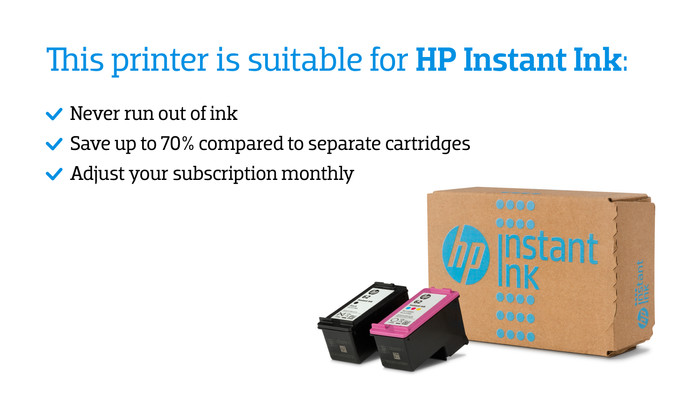
The HP ENVY 6120e comes with 3 months of free ink via HP Instant Ink. I sign up for this through the HP Smart app. This allows me to print for free for three months and receive new cartridges on time. This way, I don't have to worry about running out of ink while printing. I print a lot of photos, so the ink runs out quickly. With the included starter cartridges, for example, I can print about 15 photos before I get a low ink notification. Individual cartridges are expensive, so Instant Ink saves me a lot on my printing costs.