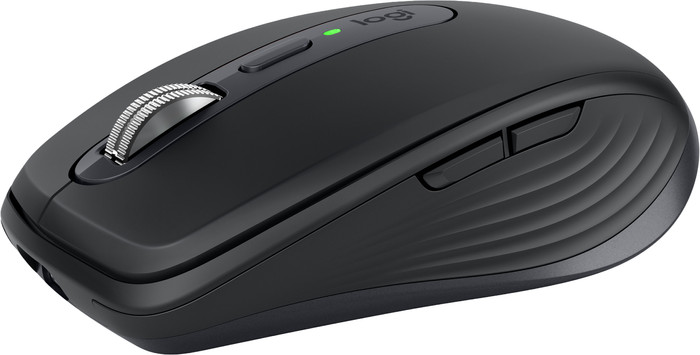
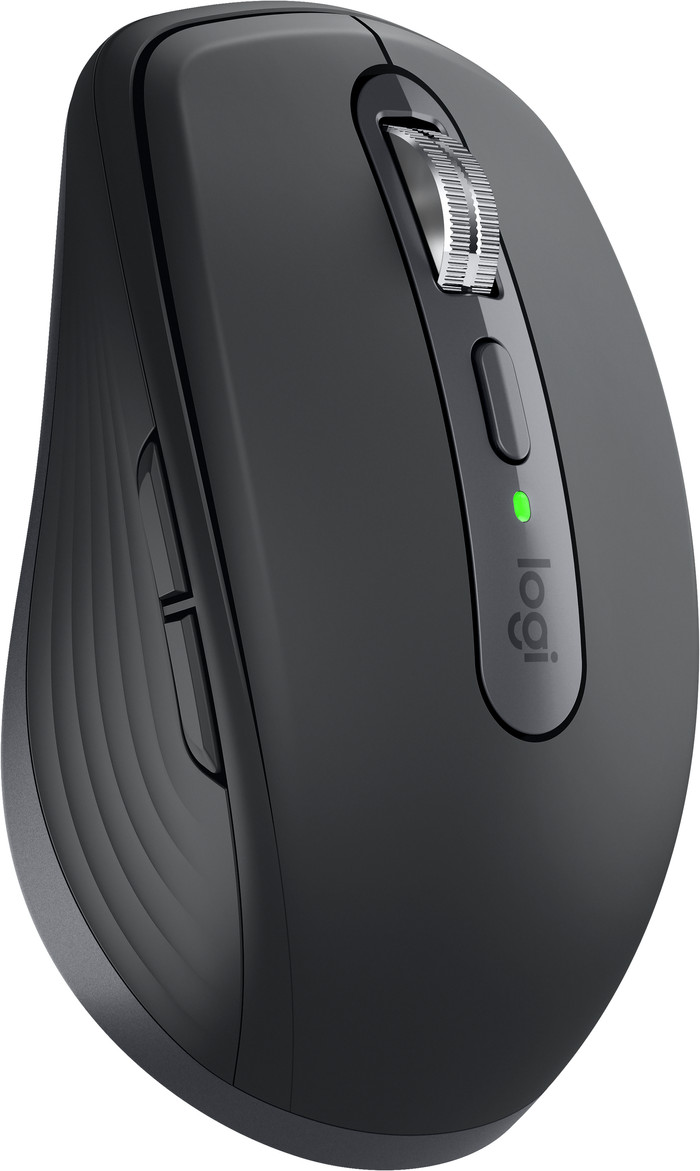
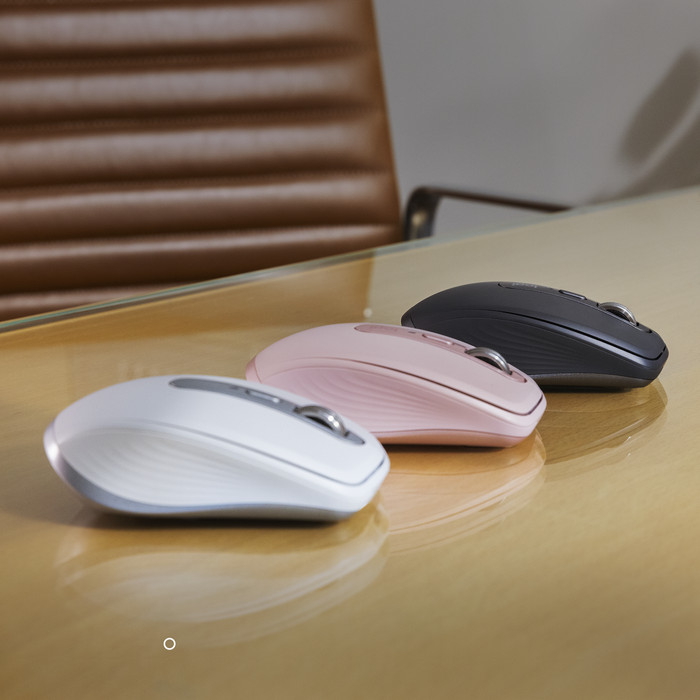
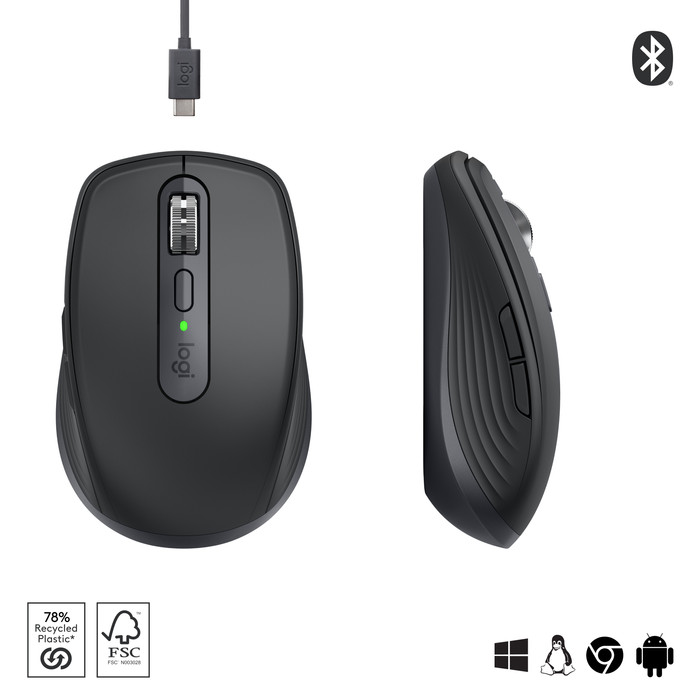
I switch daily between a number of computer devices to carry out my work. One day I'm working on my laptop at the office, the next I'm working at home on my laptop via a docking station. And in the evening I sometimes want to switch on my Game PC to play a game. One of the biggest annoyances for me is that my desk is littered with keyboards and especially mice. I like a tidy desk and I started looking for a mouse that you can connect to multiple devices at the same time. Because the mouse also has to be portable, I opted for the MX AnyWhere 3 from Logitech.
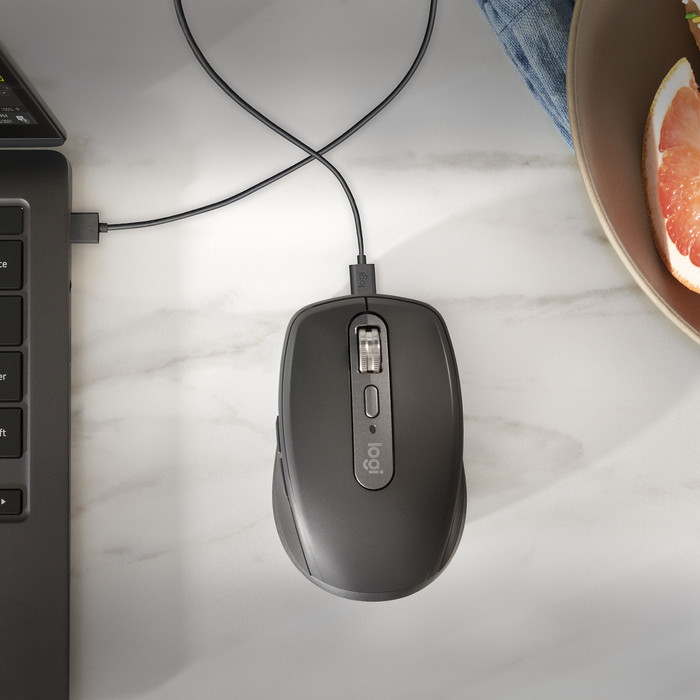
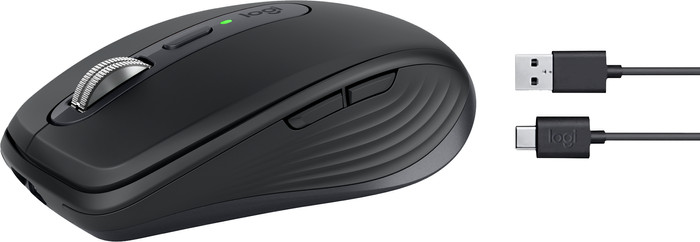
The Logitech MX Anywhere 3 is a small, handy mouse and equipped with an internal battery that you can fully charge the included USB-C cable in 3 hours. To be able to last for 70 days without a charge. In the unlikely event that the mouse should run out of power, 1 minute of charging is sufficient to continue working for 3 hours. Previously, I always had an extra set of batteries with me in case my mouse companion was beeping. Now a phone charger is enough to continue working.
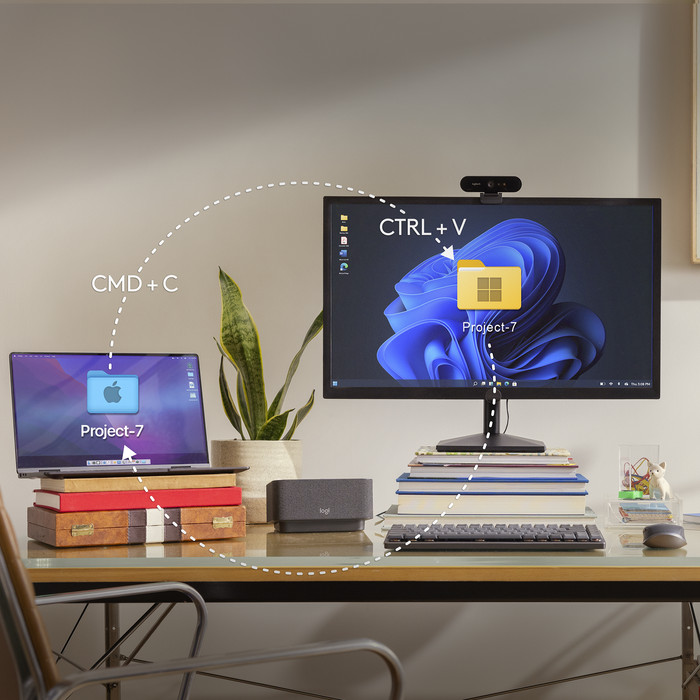
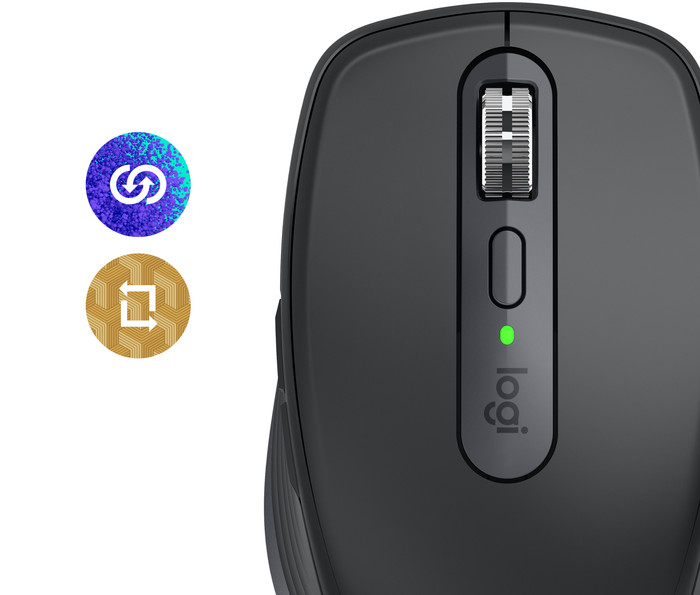
Another feature of this mouse is the ability to connect it to three devices. I have connected the mouse to my PC, laptop and work laptop. This can be done via Bluetooth, but Logitech also supplies a Unifying USB receiver. With the selection button at the bottom of the mouse, you can easily select and connect the right device.
Scrolling has never been so smooth. The mouse scrolls slowly by default, about 20 lines per second, but if you turn a little faster, the mouse goes into a kind of freewheel so that you can suddenly scroll at 1000 lines per second. Ideal for large Excel files. Personally, I find the tap, the resistance you feel when scrolling slowly, a bit annoying after a while. It gives a numb feeling in the finger.
The software that Logitech provides is fine. A number of presets are included here for packages such as Word. Excel, PowerPoint and Photoshop. These presets indicate the behavior of the 2 buttons on the (right) thumb in an application. Handy, but can be adjusted later as desired. It is also possible to switch between the devices with Logitech Flow as if you had 2 screens on 1 computer. The effect of this is not yet optimal. Often the mouse got stuck in a corner of the screen and the computer could not be operated with the mouse. But that is software and probably fixable later.
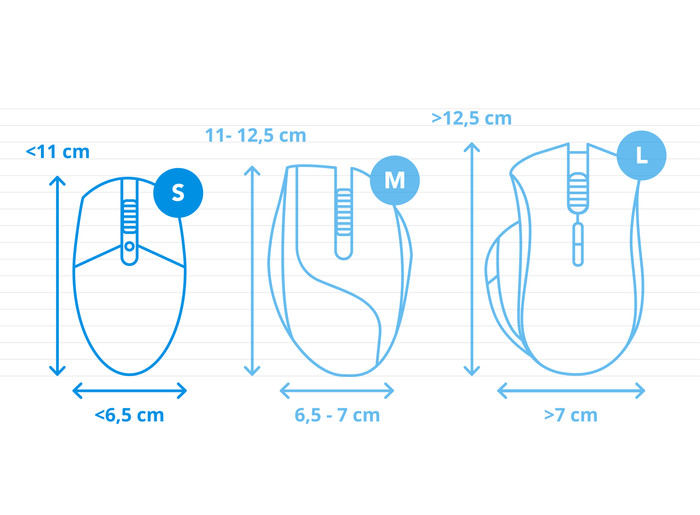
The mouse fits comfortably in the hand, with its soft grip on the side, but is actually a bit too small for my large hands. It is also ideal as a travel companion. He is solidly built. I've already dropped it once without having to look for the parts such as batteries and a battery cover.
So all in all, an ideal mouse companion for the flex worker who also works on multiple devices.