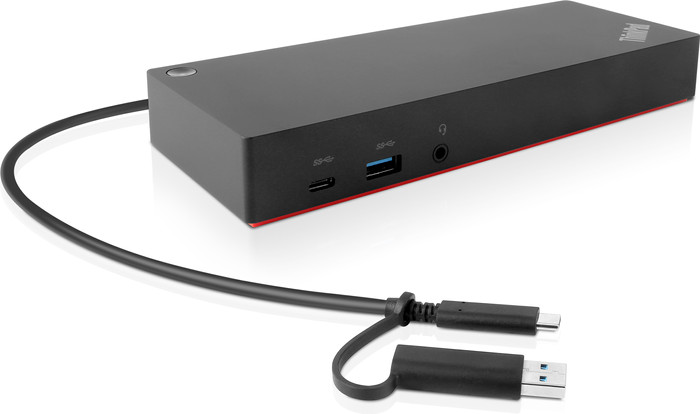
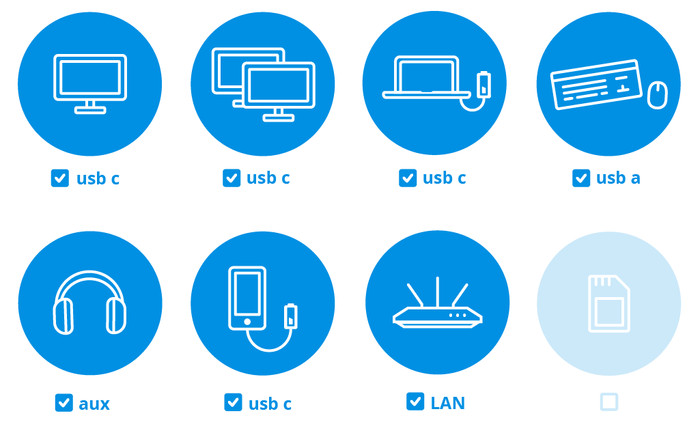
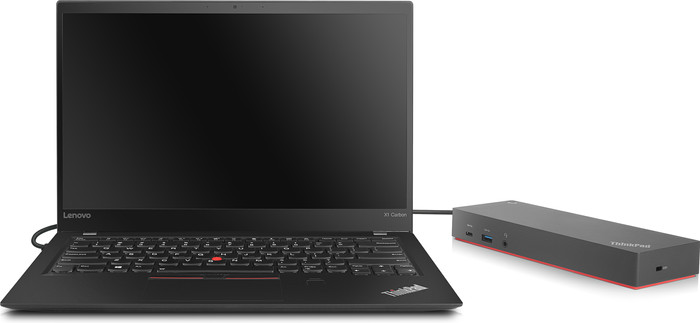
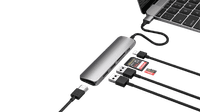
I connect 2 monitors and different USB accessories to this Lenovo ThinkPad Hybrid Docking Station at the same time and I really like that when working from home. I do find it a pity that there is only 1 USB A connection on the front.
USB-C and USB-A docking station in one
I use this docking station with my work laptop, but also with my private laptop. My work laptop has a USB C connection, but my private laptop only USB A. Thanks to the hybrid USB C cable with USB A attachment, I still use both laptops with this dock. I connect my work laptop directly via USB-C. If I want to connect my private laptop, I use the USB A attachment. The disadvantage is that I have to connect my private laptop to a separate power source, because you cannot use USB A to charge a laptop.
Working with 2 monitors
If you write a lot of texts like I do, you know how nice it is to work on 2 monitors at the same time. On the first screen you type out your text and on the other screen you look up information. With this docking station I can easily connect 2 monitors via DisplayPort or HDMI. It takes a few seconds to set up the monitors to your preference. Everything then happens automatically when you connect your laptop to the docking station. Handy if, like me, you often change workplaces.
On and off button
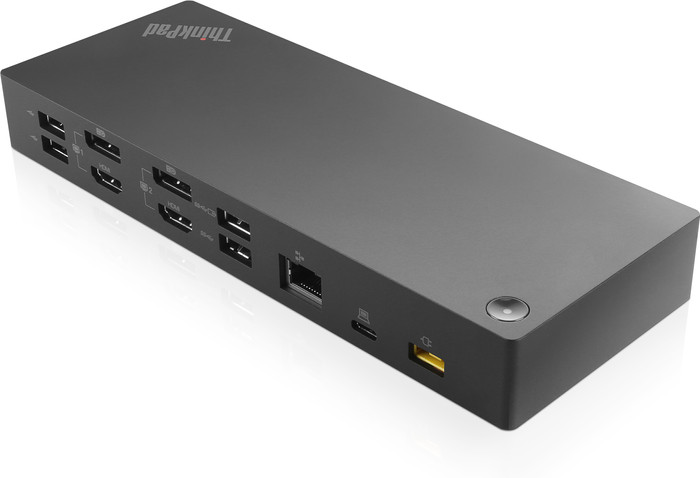
My favorite function is the on and off button. You only know this is an essential function when you use a dock without a power button. My old docking station didn't have such a button with the result that all my connected devices were on day and night and that consumes power. You can of course pull the plug from the socket, but it is much nicer to just press a button. In addition, Lenovo ThinkPad laptops start up immediately when you press the power button on this dock.
Sufficient connections
I think this docking station with 5 USB A ports and 2 HDMI and DisplayPort connections has more than enough ports. It also has an Ethernet connection for stable wired internet. I think it's a shame that there is only 1 of the 5 USB A ports on the front. If it is occupied and you want to quickly connect an accessory such as a USB stick, you have to plug it into the back of the dock. I also find it inconvenient that the main connection is at the back. You then have to bend your cable forward to connect a laptop and that can damage the cable.