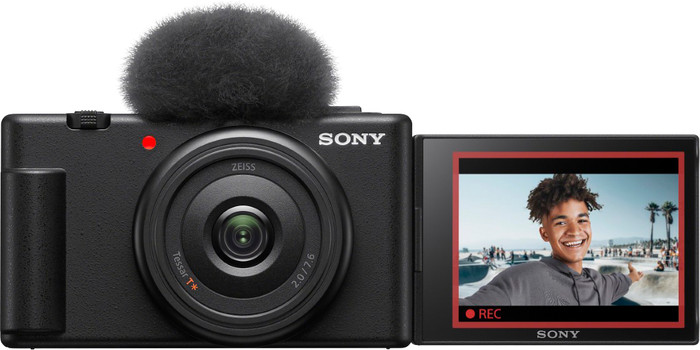
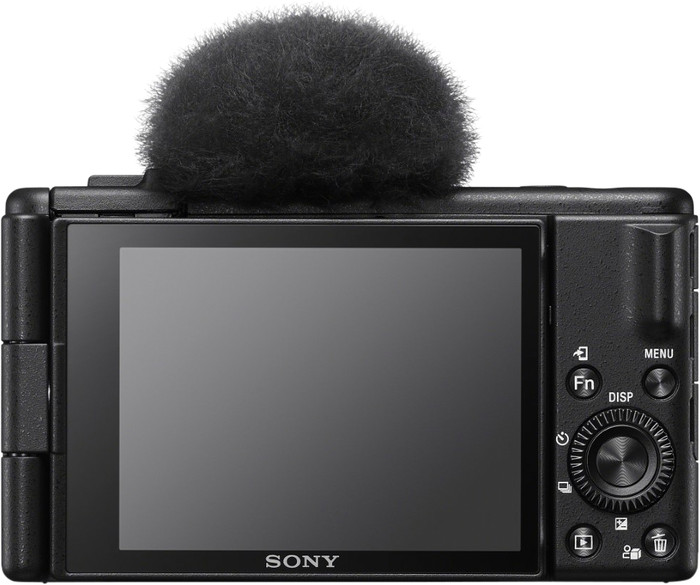
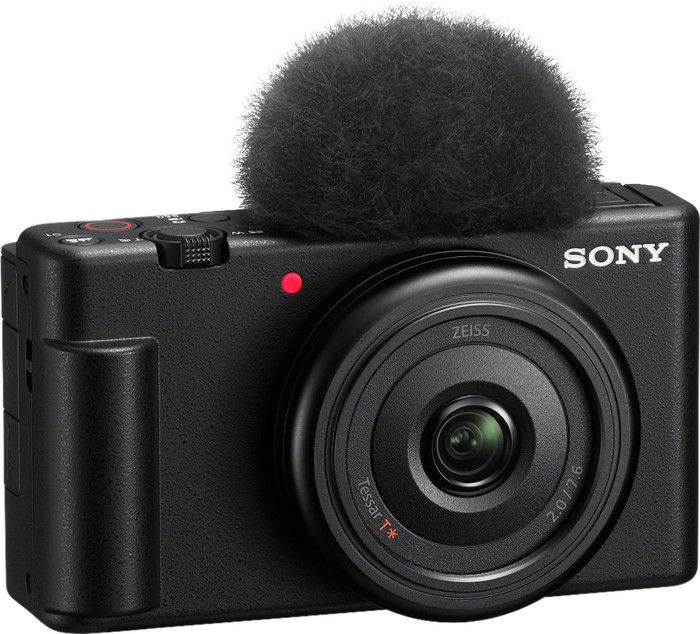
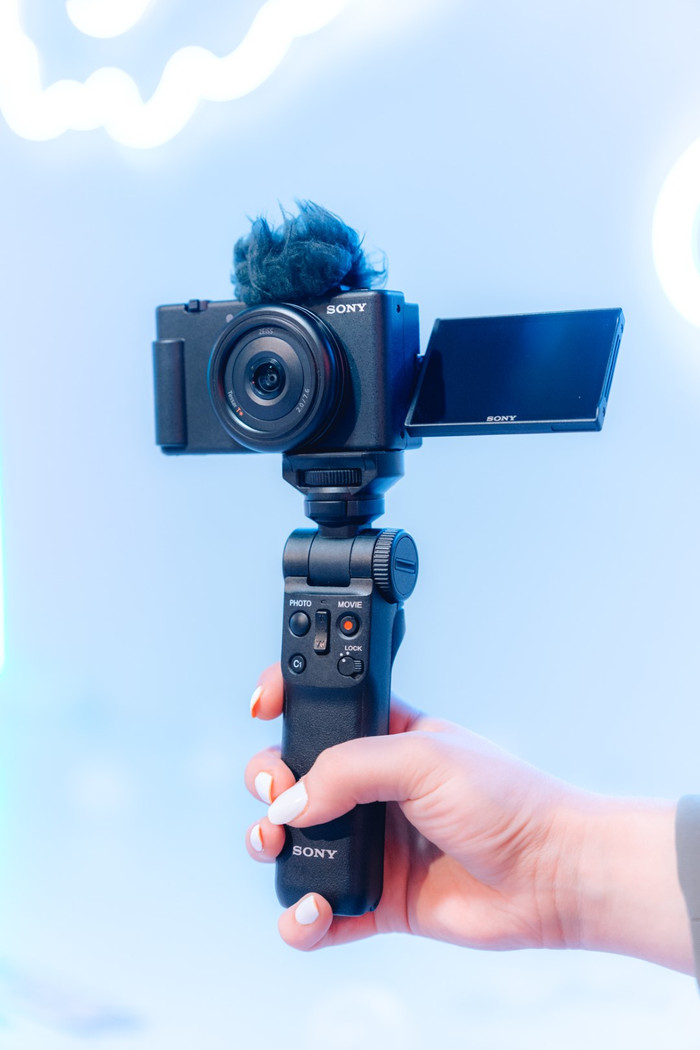
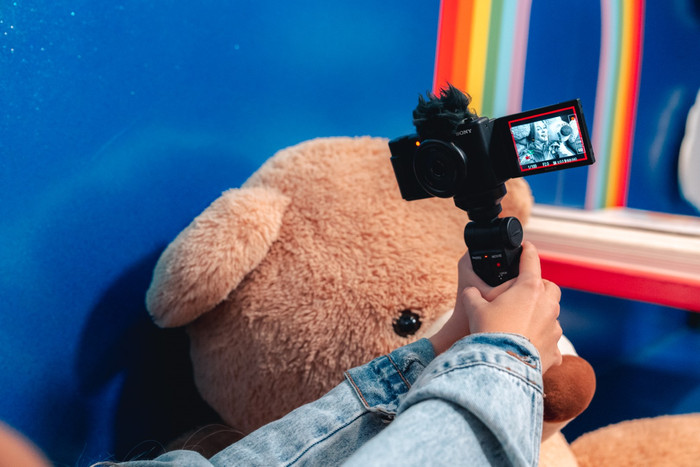
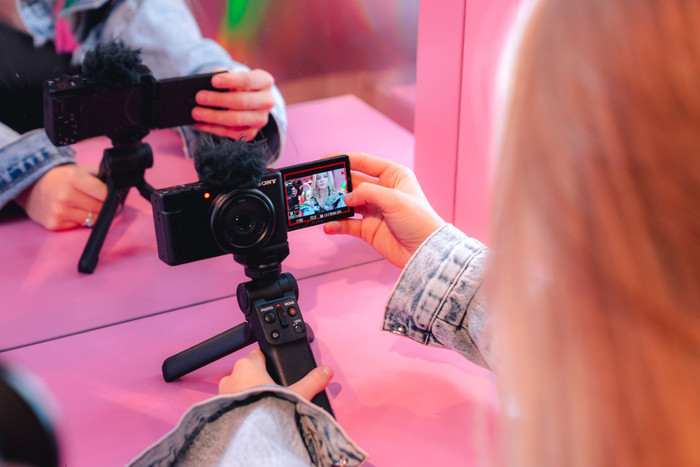
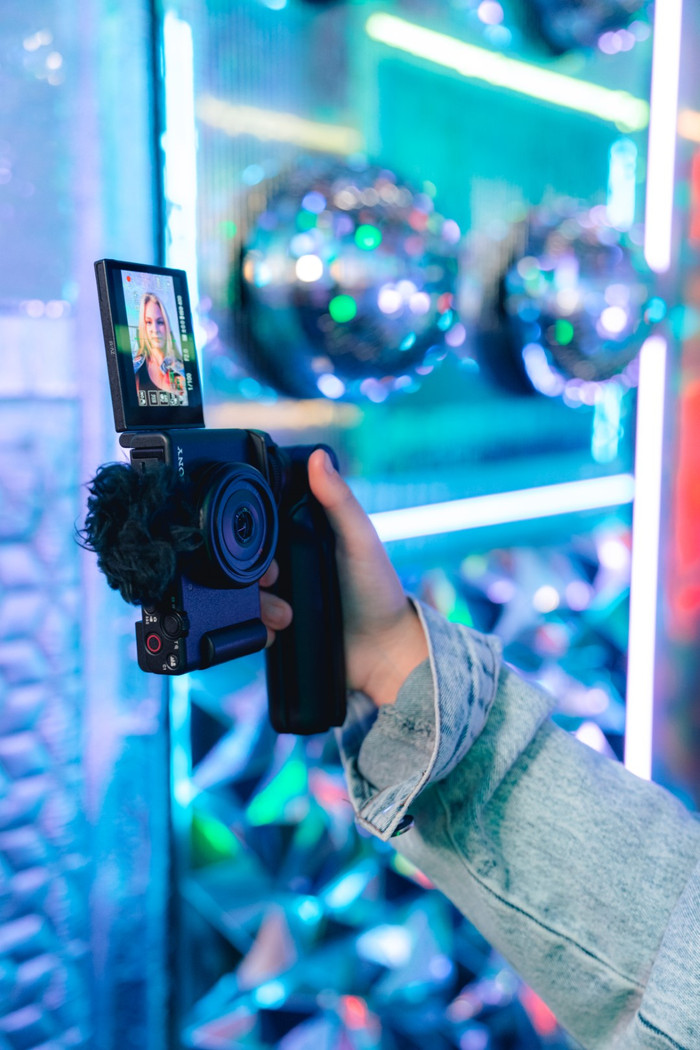
Despite the many possibilities of the Sony ZV-1F, I think it is a user-friendly camera. I get along well with this camera, even though I don't have much experience making TikTok's and Instagram reels myself. It has several shooting modes that allow me to easily record shots. The image stabilization ensures that my recordings look smooth.
User-friendly operation
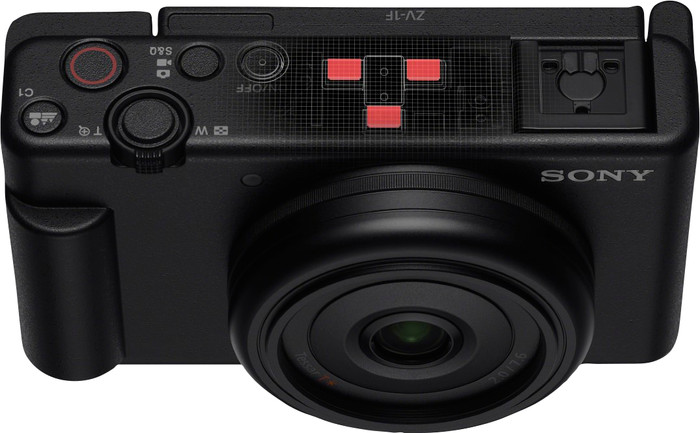
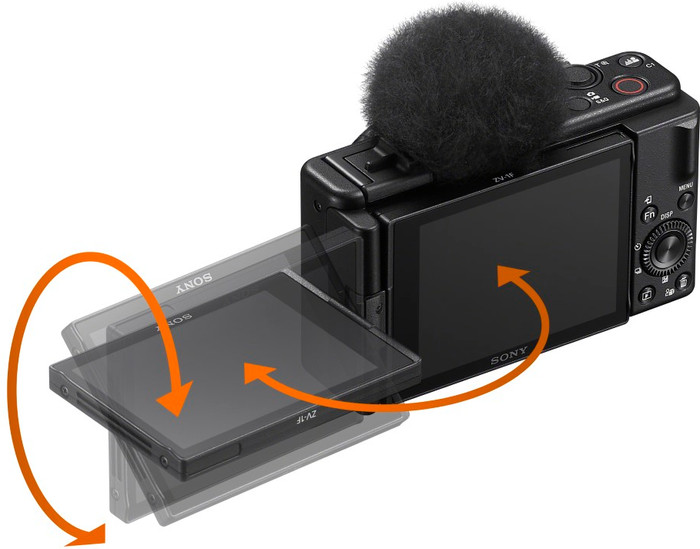
I easily set up the camera via the touchscreen. I find a number of useful settings under the various control buttons. For example, it has an S&Q button, with which I can easily make slow motion videos and timelapse recordings. I choose how many frames per second the camera records, from 1 to 100 frames. For example, if I choose 1 frame per second, it will turn it into a timelapse. I record smooth slow motion images at 100 frames per second.
Stable images
With the Active Mode I make smooth videos by hand. I walk around with the camera and film myself and the surroundings. The camera does crop the image in this mode. He needs that to stabilize the images. This makes the frame of the video smaller. I don't mind that part of the frame is missing. This is due to the large field of view of the 20mm lens. The environment is still visible.
Fixed 20mm lens
It takes some getting used to that the camera has a fixed lens, because most compact cameras can zoom. If I now want to adjust my frame, I have to change position myself. Because I film in high 4K resolution, I crop my images afterwards to create the right frame. I do not lose any image quality. In addition, the camera is intended for TikTok, Instagram and YouTube. You don't really need zoom for this, as many of these videos are portrait.
Shotmarks feature
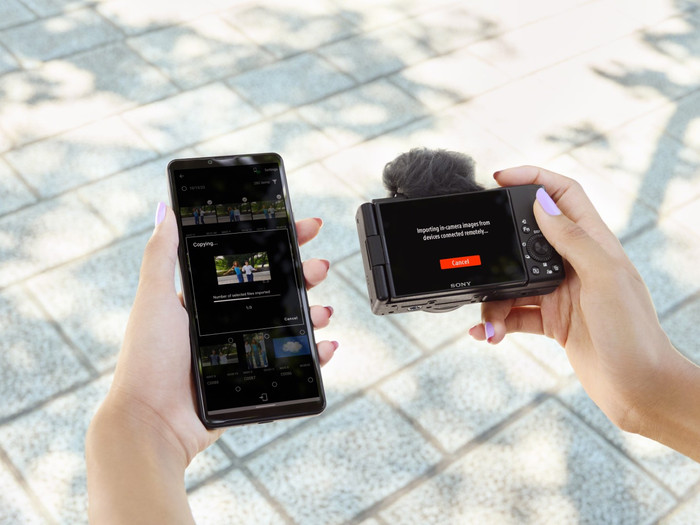
What I find very useful is that you can put a marker in your recording while filming. Because of this I know exactly where my highlights are afterwards. This saves time in post-processing, which saves me a lot of time. For this I use the Imaging Edge Mobile Plus app. This is an updated version of the Imaging Edge Mobile app.