
Written by Deanne
Edited on
20 June 2024
·
13:12
Everything on Windows in S mode
Windows in S mode is a version of Windows with better security. You can only download programs from the Microsoft store, for example. In this article, we'll tell you all about Windows in S mode.

Faster and more energy-efficient
Windows in S mode is faster and more energy-efficient than a Windows version that doesn't run on S mode. You don't need a powerful laptop, as the system is very light. As an extra advantage, the battery of your laptop lasts longer. You can only download programs from the Microsoft Store, so you're better protected from viruses.

What's different about Windows in S mode?
With Windows in S mode, you can only download programs from the Microsoft Store. This means you can't install programs like Google Chrome or Steam. You can only work with browser like Edge or Firefox. Luckily, there are more and more well-known programs like Adobe Photoshop available in the Microsoft Store. All Windows apps are also approved by Microsoft, so there's less chance of viruses.
What's the same with Windows in S mode?
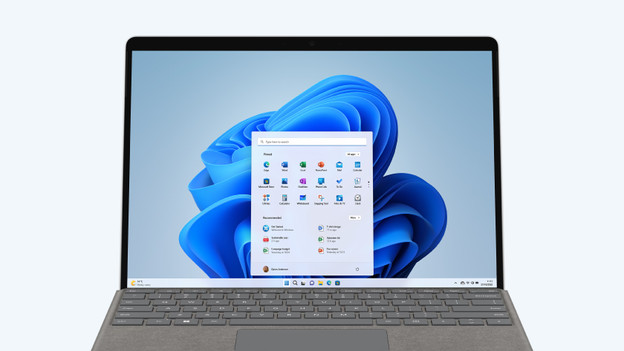
Windows in S mode looks a lot like Windows Home. You'll still find the classic Windows start menu and log in using Windows Hello. Because more and more programs are available in the Microsoft Store, Windows in S mode is ideal for various usage situations like everyday use or your studies.

How to you turn off Windows in S mode?
Do you have a laptop with Windows in S mode, but would you rather have the regular version of Windows? You can easily turn off S mode via the settings.
Note: after disabling S mode, you can't turn it back on.
Article by Deanne
Laptop Expert.

